Press a hotkey.
Keep it on this PC.
A tiny tray app that captures your screen to the Windows clipboard. Screenshots stay on this PC — they are not sent to the ScreenMark website.
Windows 10/11 · 64-bit · free
Version 0.4.6 · Released Sep 26, 2026 · 2.4 MB
Not on Windows? The web editor works in any browser — just paste a screenshot.
What it does
Everything between “I need a screenshot” and “here’s the marked-up version”.
One hotkey
Press Ctrl + Alt + S from any app. Change the shortcut anytime, and let it start with Windows so it’s always waiting in the tray.
Five ways to capture
Grab the whole primary screen, pick a monitor, drag a region, capture a scrolling page, or grab just the active window.
Opens ready to edit
Hotkey capture opens the editor on this PC with the screenshot already pasted — no extra copy step.
Desktop edits stay private
Markup you make in the Windows app stays on this PC. Export copies locally and is not saved to ScreenMark cloud history. A new capture auto-saves unsaved work to History on this PC only.
Region capture
Desktop capture tools
When you drag a region, two overlays help you hit the right pixel — not the one next to it.
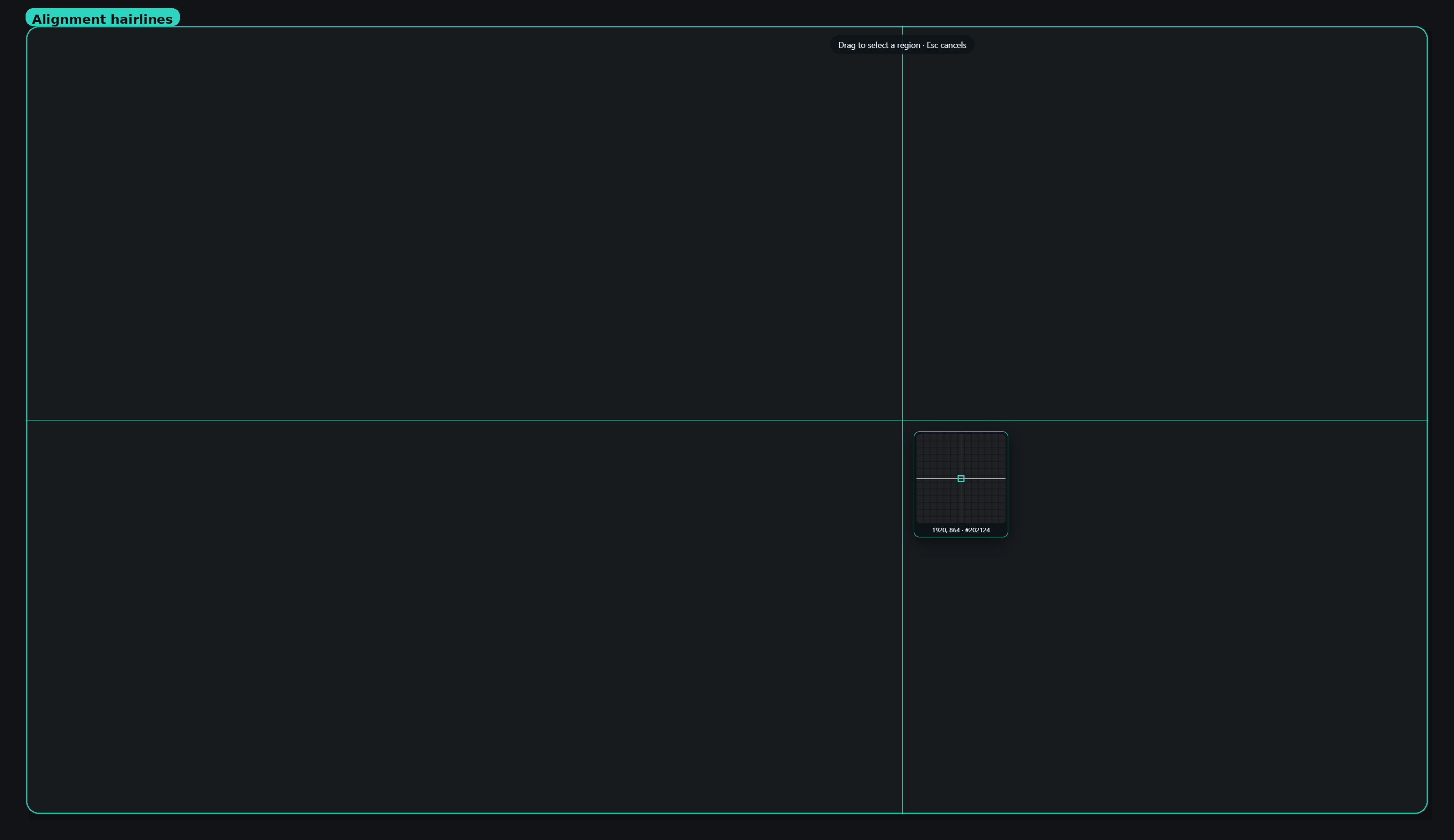
Alignment hairlines
Full-screen vertical and horizontal guides follow your cursor so you can line up a table edge, UI boundary, or object before you drag.
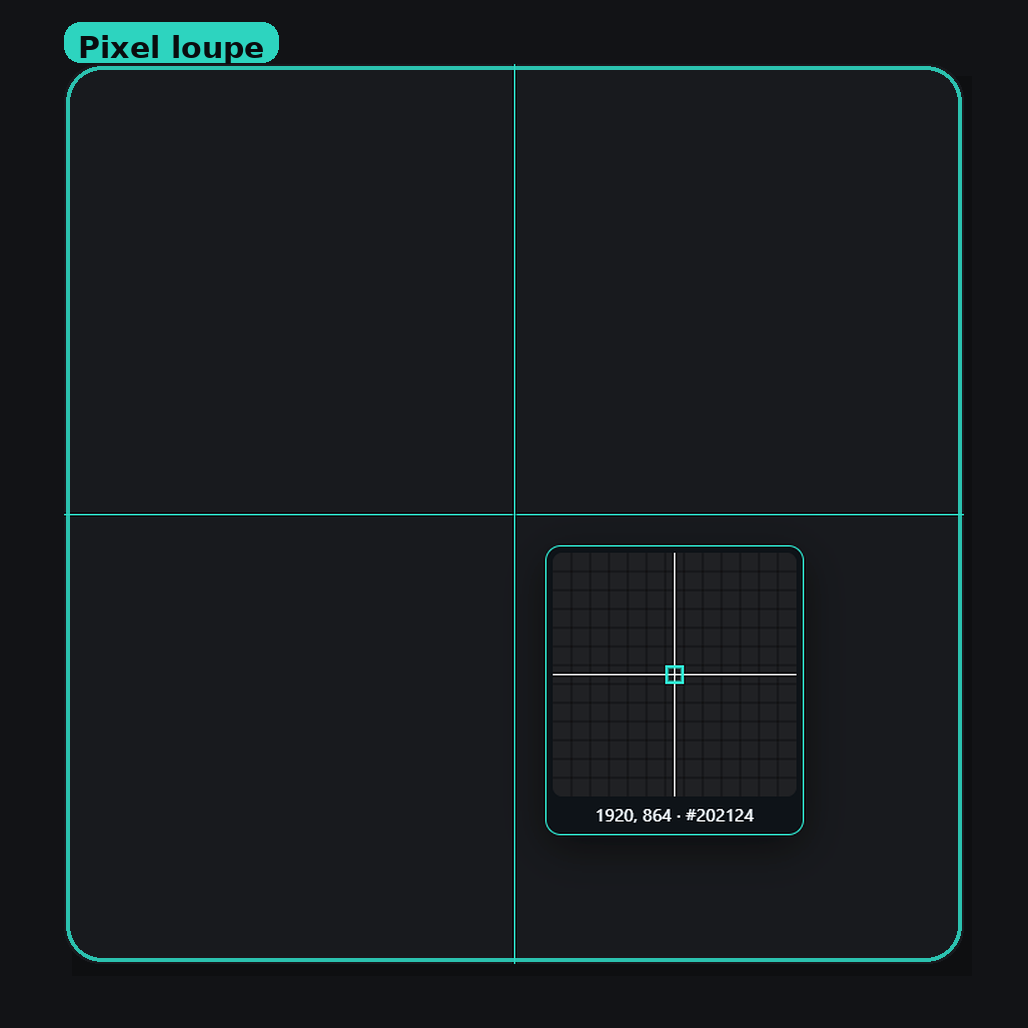
Pixel loupe
A magnified pixel grid sits under the cursor, with coordinates and the color hex, so you can place the region on an exact pixel.
Install in a minute
No admin rights needed.
- 1
Download the installer
GetScreenMarkDesktop-Setup.exe(about 1.5 MB). - 2
Run it
It installs for your Windows user only, so it doesn’t ask for an administrator password. If your PC is missing Microsoft’s WebView2 runtime (it’s built into Windows 11), the installer fetches it for you. - 3
Press the hotkey
ScreenMark Desktop lives in the system tray. PressCtrl + Alt + Sto capture, or click the tray icon to choose a capture mode and change settings. The screenshot is copied to your clipboard and stays on this PC.
Seeing “Windows protected your PC”?
ScreenMark Desktop isn’t code-signed yet, so Microsoft SmartScreen doesn’t recognise the publisher. Click More info, then Run anyway. Signed builds are planned, and this step will go away. If your organisation blocks unsigned apps, see For IT / managed PCs.
For IT / managed PCs
What to know before rolling it out.
Current-user install, no admin
%LOCALAPPDATA%\Screen Mark Desktop for the signed-in user. No elevation, services, or drivers.Silent install
/S flag works:ScreenMarkDesktop-Setup.exe /SRequires WebView2
Offline installer
Hosts to allowlist
screen-mark.com— the editorgithub.com,objects.githubusercontent.com,release-assets.githubusercontent.com— downloads and updates
Hotkey conflicts
Ctrl + Shift + S, pick a different shortcut in the app’s settings. The app flags shortcuts that are already taken.Not code-signed yet
FAQ
Is there a Mac version?
Not yet. ScreenMark Desktop is Windows-only for now. The web editor works in any modern browser on Mac — paste a screenshot with Cmd + V.
How do I uninstall it?
Open Settings → Apps → Installed apps, find Screen Mark Desktop, and choose Uninstall. Your settings are kept unless you tick “Delete the application data”.
Does the desktop app upload my screenshots?
No. Hotkey capture opens the editor on this PC and pastes the screenshot so you can mark it up immediately. Export copies locally and does not save to ScreenMark cloud history. If you capture again with unsaved work on the canvas, that previous canvas is stored in History on this PC only — not uploaded. Using the website in a normal browser is separate and can save history there.
How do I capture a long scrolling page?
Choose Scrolling page from the tray menu, or set it as the default capture mode. Drag the area of the page that scrolls — the document, not the address bar or a sticky header. ScreenMark scrolls that area and stitches it into one tall screenshot, then opens the editor. Press Esc to finish with what it has so far. Desktop only; the web editor cannot capture your screen.
How do updates work?
The app updates itself. When a new version is ready, you’ll be asked before it restarts, so you won’t lose a capture mid-edit.
Questions or feedback?
Installer issues, offline builds, or anything else — send a message and we'll get back to you.